WORLD NEWS
Rowenta cordless vacuum battery recall: check the battery code and disposal path, not only the vacuum model
- Checked: 2026-07-06 12:40 KST
- Source set: CPSC recall notice dated July 2, 2026 and Rowenta recall page
The most practical household-safety item worth checking now is the Rowenta non-contact cordless stick vacuum recall. On July 2, 2026, the U.S. Consumer Product Safety Commission said the battery can overheat or ignite and told consumers to stop using the vacuum immediately and remove the battery. This is not only about using the vacuum less. It is also about where that battery is sitting right now and how you plan to dispose of it.
The affected products are the Rowenta X-Force Flex 14.60 Animal model RH99A2U1, the X-Force Flex 15.60 Animal model RH99F2U1, and the separately sold accessory battery model ZR0097U2. The CPSC says about 3,660 units were sold in the United States, with two reports of the battery overheating or not charging plus 65 additional reports globally. No injuries were reported in the CPSC notice. Sellers included Rowenta.com, Amazon, Walmart, Crate & Barrel, Williams Sonoma, and Shopify.
What to check now
- Whether your vacuum model is
RH99A2U1orRH99F2U1 - Whether a spare battery is labeled
ZR0097U2 - Whether the battery date code begins with 23 or 24
- Whether an unused spare battery is still sitting in a closet, utility shelf, or charging area
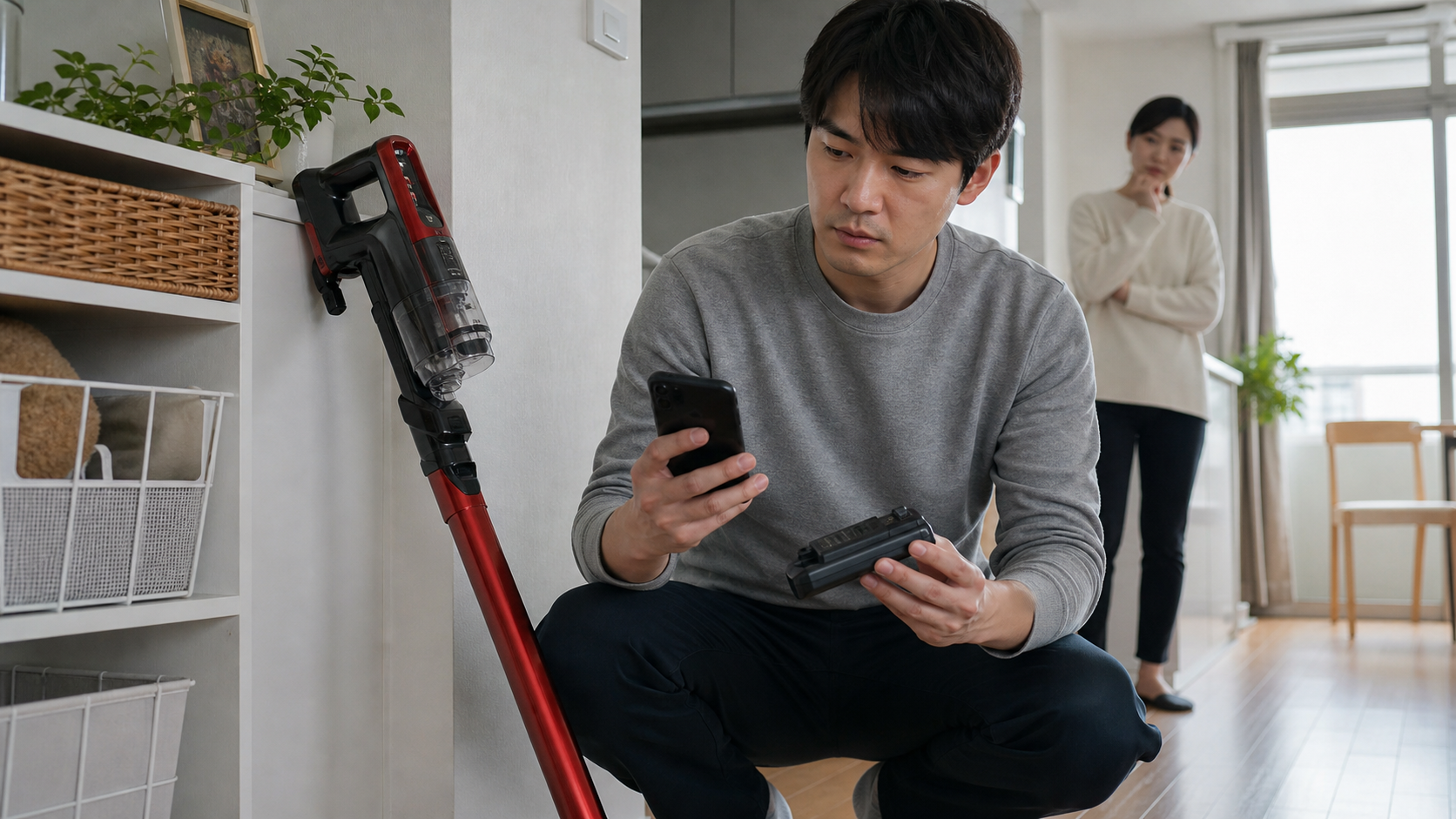
The key point is the battery, not only the vacuum body. Even if the main unit is packed away, a spare battery can still leave the same hazard in your home. The official guidance tells users to stop using the product, remove the battery, upload a photo of the battery model and date code, and then complete the replacement process.
What to change today
- If your model matches, unplug the charger and stop using it now.
- Remove the battery and keep it away from children and heat sources while you arrange the next step.
- Recheck your order history from Amazon, Walmart, Rowenta.com, Williams Sonoma, and Crate & Barrel.
- Read the disposal guidance before throwing anything away. The recall notice says the lithium-ion battery should not go into household trash, general recycling, or common retail battery collection boxes.
User checklist
- Do the labels on your vacuum or spare battery show
RH99A2U1,RH99F2U1, orZR0097U2 - Does the battery date code begin with
23or24 - Is the battery still attached to a charger or stored near a plug-in station
- Did you check the Rowenta replacement process or your local household hazardous-waste route before disposal
Official links
- CPSC recall notice: affected models, sellers, reports, and immediate stop-use instruction
- Rowenta recall page: replacement registration and battery-handling guidance
- CPSC recalls list: broader official recall flow
Bottom line: The useful question today is not only whether your vacuum is on the list. It is whether you already removed the battery, found every spare battery, and avoided sending a recalled lithium-ion battery into the normal trash stream.