WORLD NEWS
Android June security patch: check the security update date before the apps
- Checked: 2026-06-17 10:45 KST
- Primary sources: Android Open Source Project June 2026 security bulletin, Google Android Help update instructions, Google Pixel update support page
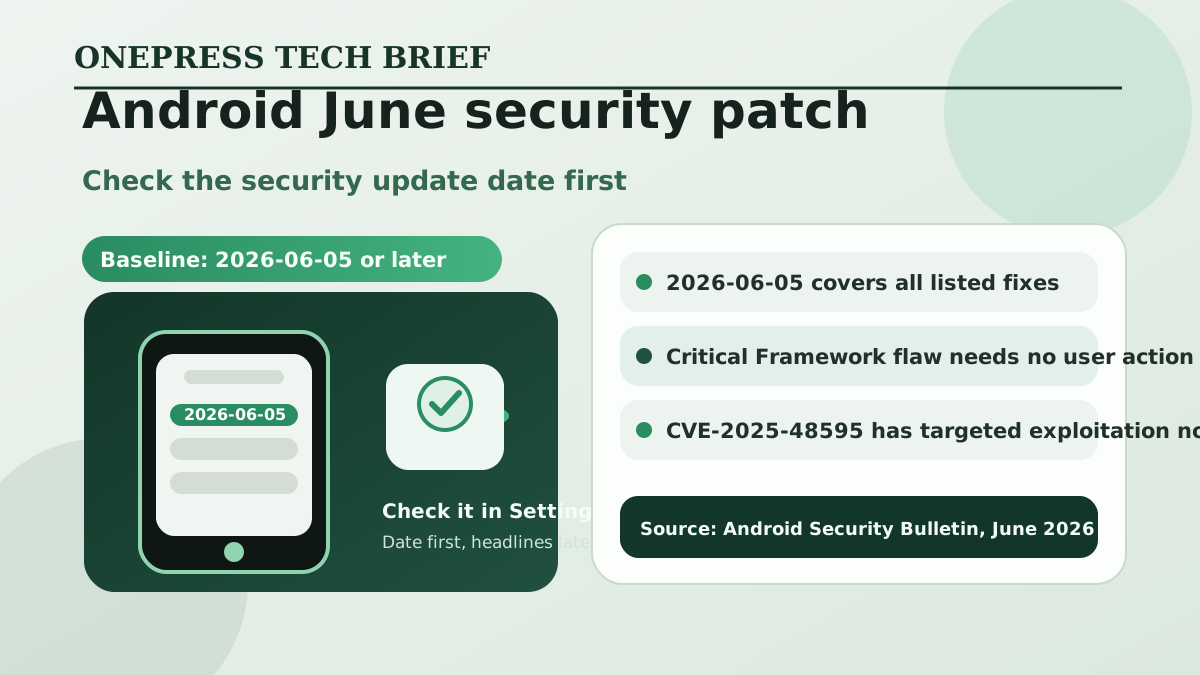
If the June Android security patch is available, the first thing to check today is not a new app feature. It is the security update date. Google’s June 2026 Android Security Bulletin says a device with a 2026-06-05 security patch level or later includes fixes for all vulnerabilities covered in the bulletin.
The most severe issue in this bulletin is a critical vulnerability in the Framework component. Google says it could lead to remote escalation of privilege with no additional execution privileges needed, and user interaction is not required. For everyday users, the useful action is simple: check whether the phone in your hand has reached the June baseline.
Google also notes that CVE-2025-48595 may be under limited, targeted exploitation. That does not mean every user is facing the same attack right now, but it is a strong reason not to postpone the update.
What to check today
- Open Settings > About phone or About tablet > Android version and check the Android security update date.
- If the date is earlier than 2026-06-05, open Settings > System > Software update and check again.
- If the device is older, confirm whether it still receives security updates.
How to check it
Google Android Help says users can open Settings, go to About phone or About tablet, then open Android version to see the Android security update, Google Play system update, and build number. Then check System > Software update for anything waiting to install.
Before installing, use Wi-Fi and keep the battery around 75% or higher when possible. A large system update is easier to finish cleanly that way.
Check support status too
Pixel owners should also check the support window. Google Pixel Help says Pixel 8 and later devices receive seven years of OS and security updates, while Pixel 7, Pixel 6, and Pixel Fold devices receive five years. Several older devices, including Pixel 5a and earlier models, no longer receive Android version or security updates.
For other Android manufacturers, the menu names may vary and rollout timing can depend on the maker and carrier. If no update appears on an older device, support status is worth checking before assuming it is just delayed.
Quick checklist
- Is the Android security update date 2026-06-05 or later?
- Is the Google Play system update also reasonably current?
- Is anything waiting under Settings > System > Software update?
- Have family phones and work backup devices been checked too?
- For older devices, has the official support end date been checked?
Official links
- Android Security Bulletin — June 2026
- Check & update your Android version
- Learn when you’ll get software updates on Google Pixel phones
Bottom line: If you use Android, the practical check today is the security patch date in Settings. For this bulletin, the key date is 2026-06-05.